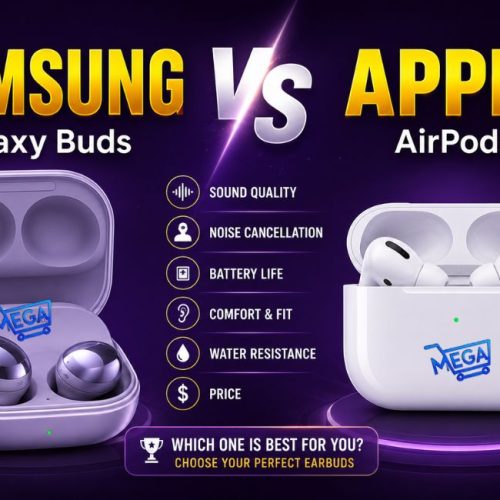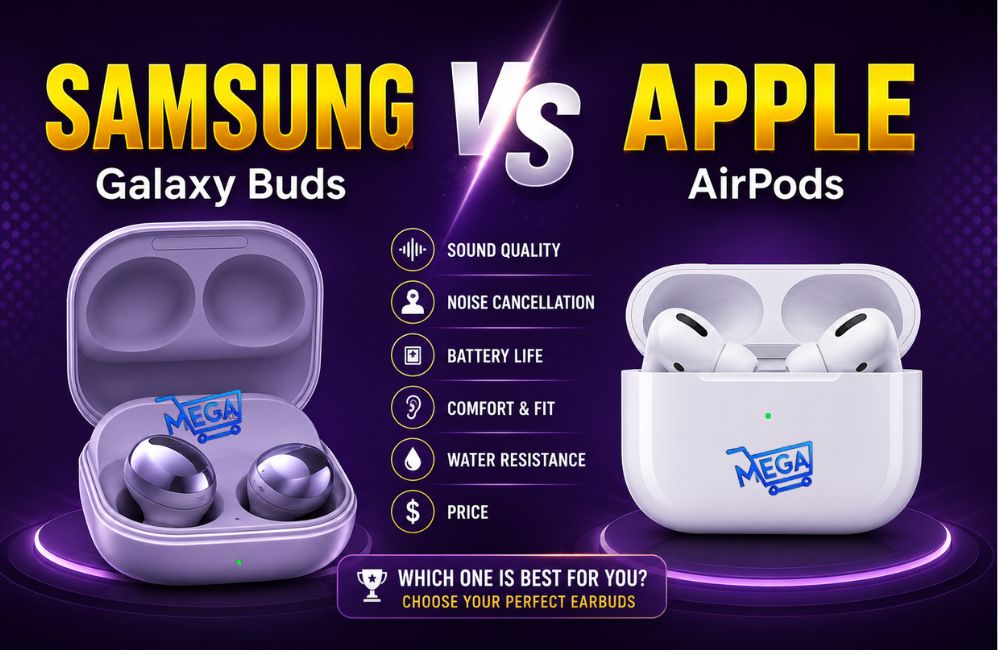
Choosing between the original samsung galaxy buds vs apple airPods comes down to more than sound. Both are compact, fully wireless Bluetooth earbuds designed for everyday convenience, calls, music, and quick use around the house or on the go. Their biggest differences are fit, isolation, customization, charging options, and how naturally they work with your phone.
Galaxy buds are the stronger choice for a more secure in-ear fit, better passive isolation, app controls, and Samsung phone features. AirPods are the better choice for people who value a light, open fit and easy use within Apple devices.
Galaxy Buds VS AirPods at a Glance
| Category | Samsung Galaxy Buds | Apple AirPods |
| Fit style | In-ear design with silicone tips and ear hooks | Open-fit design without interchangeable tips |
| Comfort feel | More secure and isolating, but more noticeable in the ear | Lighter, less intrusive feel for compatible ear shapes |
| Sound isolation | Stronger passive seal from the in-ear fit | Less isolation because of the open design |
| Customization | Equalizer, ambient sound, touch controls, notifications, earbud finder | Less configuration discussed here |
| Charging advantage | Case can charge from compatible phones with wireless PowerShare | No phone-to-case wireless charging feature discussed |
| Platform use | Works as a Bluetooth headset on Android and iOS | Works as a Bluetooth headset on iOS and Android |
| Best ecosystem fit | Samsung and Android users | iPhone and Apple device users |
See Also: Best Premium Noise Cancelling Earbuds
Who Should Buy Galaxy Buds?
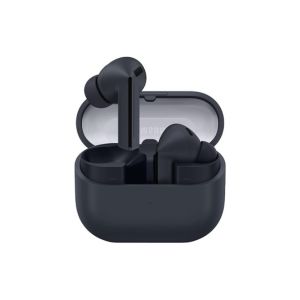
The original Galaxy Buds are better suited to people who need a stable fit and more control over how their earbuds behave. Their silicone ear tips and interchangeable ear hooks help them sit farther into the ear canal than AirPods. That creates a tighter seal and can make them feel more dependable during movement.
They are especially worth considering if you:
- Use a Samsung phone or prefer Android.
- Want earbuds for walking, workouts, or other active use.
- Need a more secure fit than open-style earbuds provide.
- Prefer stronger isolation from surrounding noise.
- Want EQ presets, touch customization, ambient sound controls, and battery information in an app.
- Have a compatible phone that can wirelessly charge the earbuds case.
A Practical Charging Advantage for Samsung Owners
One standout convenience feature is the ability to charge the Galaxy Buds case from a compatible phone that supports wireless charge sharing. Placing the case on the back of the phone can provide an emergency top-up without reaching for a cable or wall charger.
This is not a replacement for regular charging, but it is useful when the case runs low while away from a charger.
More Control Through the Galaxy Buds App
The Galaxy Buds software provides several settings that help tailor the earbuds to daily use. The app can show battery status for each earbud, allowing you to monitor each side separately. You can also use one bud while the other remains in the case charging.
Available controls include:
- Equalizer presets: options such as bass boost, soft, dynamic, and clear.
- Notification settings: control how notifications are handled.
- Touchpad settings: review and customize touch behavior.
- Find My Earbuds: a tool intended to help locate the small earbuds.
- Ambient Sound: microphone-based sound passthrough for hearing the world around you.
Who Should Buy AirPods?
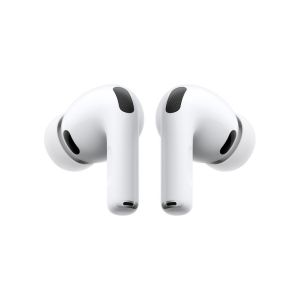
AirPods are best for people who prioritize effortless everyday wear and use Apple devices. Their open-fit shape does not press as deeply into the ear canal, which can make them feel less present during casual listening.
They are a particularly good fit if you:
- Use an iPhone and want the simplest pairing experience across Apple devices.
- Dislike the pressure or sealed sensation of in-ear silicone tips.
- Mostly listen at home, at work, or in quieter environments.
- I want earbuds that are easy to put in and forget about.
- Do not need a tight seal for exercise or noise isolation.
The open design is both the AirPods’ key strength and key limitation. For the right ear shape, it can be exceptionally comfortable. For others, it may not remain secure. It also lets in more environmental sound than the Galaxy Buds.
Fit and Comfort: Open Earbuds vs. In-ear Earbuds
Fit is arguably the most important difference in this comparison because it affects comfort, sound, stability, and isolation all at once.
Galaxy Buds Provide a Tighter, more Adaptable Fit
Galaxy Buds use interchangeable ear tips and ear hooks. This allows a wearer to try different combinations to find a more secure fit. The buds sit farther into the ear canal and include an additional rubber component to help hold them in place.
That design generally creates more confidence for physical activity, but it can also make the earbuds more noticeable. A tighter seal may feel uncomfortable for people who prefer a looser, less intrusive fit.
AirPods Feel Lighter but are less Predictable
AirPods have a one-size open-fit shape. They do not seal deeply inside the ear canal, so they feel lighter and less restrictive. Comfort and stability depend heavily on the shape of the listener’s ears.
Choose Galaxy Buds for stability and sealing. Choose AirPods if the open shape fits your ears well and long-term comfort is the priority.
Sound quality and isolation
Neither option is positioned as a substitute for high-end over-ear headphones. True wireless earbuds are fundamentally about portability and convenience, so expectations should be set accordingly.
In a quick comparison, the Galaxy Buds produced somewhat more low-end impact than AirPods. Their tighter in-ear seal also created noticeably more isolation. This seal can make music feel fuller because less outside sound competes with the audio.
AirPods let in more environmental noise. That can reduce immersion, especially around fans, conversations, traffic, or other steady background sound. On the other hand, the open design can be preferable when you want awareness without activating a special mode.
Volume Setup can Affect your Impression
When comparing Bluetooth earbuds, confirm that both the phone volume and earbud volume are properly set. A low earbud volume setting can make a pair seem weak or lacking in bass even when the phone appears to be at maximum volume.
For a fair comparison:
- Use the same audio track and source device.
- Check that each pair is connected correctly.
- Set each pair to an equivalent listening volume.
- Try more than one genre, including bass-heavy and vocal-focused music.
- Test in both a quiet room and a typical noisy environment.
Galaxy Buds Ambient Sound: when it is useful
Galaxy Buds include an Ambient Sound option that uses the earbuds to bring surrounding noise into your ears while audio is playing. You can adjust it from a reduced level to an amplified level.
This feature is useful when situational awareness matters, such as when cycling, walking near traffic, or needing to hear a person nearby without fully removing the earbuds. A Voice Focus option can emphasize voices within the surrounding sound.
Ambient sound does not change the physical seal of the ear tips. Instead, it uses microphones to restore environmental sound that the in-ear design naturally blocks.
Touch controls and everyday usability
Galaxy Buds have touchpads on the outside of each earbud. Their controls cover common actions without reaching for the phone:
- Single tap: play or pause.
- Double tap: skip to the next track or answer and end a call.
- Triple tap: return to the previous track.
- Touch and hold: activate a user-selected shortcut.
The touch-and-hold function can be configured for a chosen action, including quick access to Ambient Sound. This makes it easier to switch between more isolated listening and greater awareness of your surroundings.
Can Galaxy Buds Work with IPhone, and can AirPods work with Android?
Yes. Both products can function as Bluetooth headsets across platforms. AirPods can connect to Android phones, and Galaxy Buds can connect to iOS devices.
The best experience tends to come from matching the earbuds to their native ecosystem:
- Galaxy Buds with Samsung phones: better access to the companion app experience and Samsung-specific conveniences such as wireless charge sharing on compatible phones.
- AirPods with iPhone: simpler pairing and stronger integration across Apple devices.
Cross-platform use is possible, but it may reduce the practical advantage of ecosystem-specific features.
Common Mistakes When Choosing true Wireless Earbuds
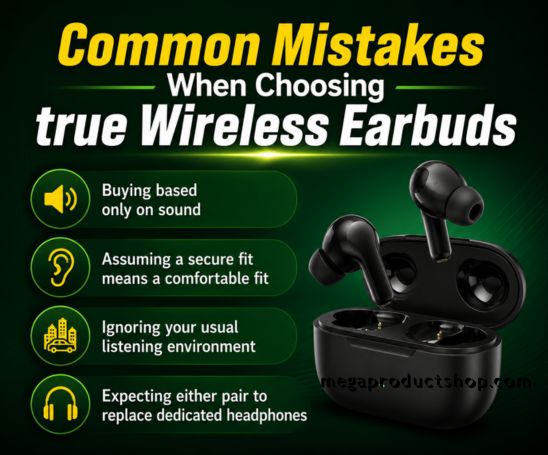
Buying based only on sound
Sound matters, but fit changes sound dramatically. A sealed Galaxy Buds tip can deliver more bass and isolation simply because it blocks outside noise. An AirPods may sound less full in the same environment while still being more comfortable for the person wearing it.
Assuming a secure fit means a comfortable fit
A tight in-ear fit can be excellent for jogging or active use, yet tiring over long sessions. Test different Galaxy Buds tips and ear hooks rather than assuming the default size is right.
Ignoring your usual listening environment
For a quiet home or office, the open feel of AirPods may be ideal. For commuting, exercise, or outdoor use, the Galaxy Buds’ seal and Ambient Sound controls may be more useful.
Expecting either pair to replace dedicated headphones
These earbuds excel at convenience. For critical listening or stronger noise cancellation, a dedicated over-ear headphone may still be the better tool.
Final recommendation
Choose Samsung Galaxy Buds if you want a secure fit, better passive isolation, stronger bass presence from a tighter seal, configurable touch controls, ambient sound, and the convenience of charging the case from a compatible Samsung phone. They make the most sense for Android and Samsung users, especially for active use.
Choose Apple AirPods if their open shape fits your ears, you value an almost weightless everyday feel, and you use an iPhone or other Apple devices. They are especially appealing as casual, low-effort earbuds for home and daily tasks.
The simplest rule is this: Galaxy Buds are the more feature-rich and secure option, while AirPods are the more minimal and comfortable option for the right ear.